

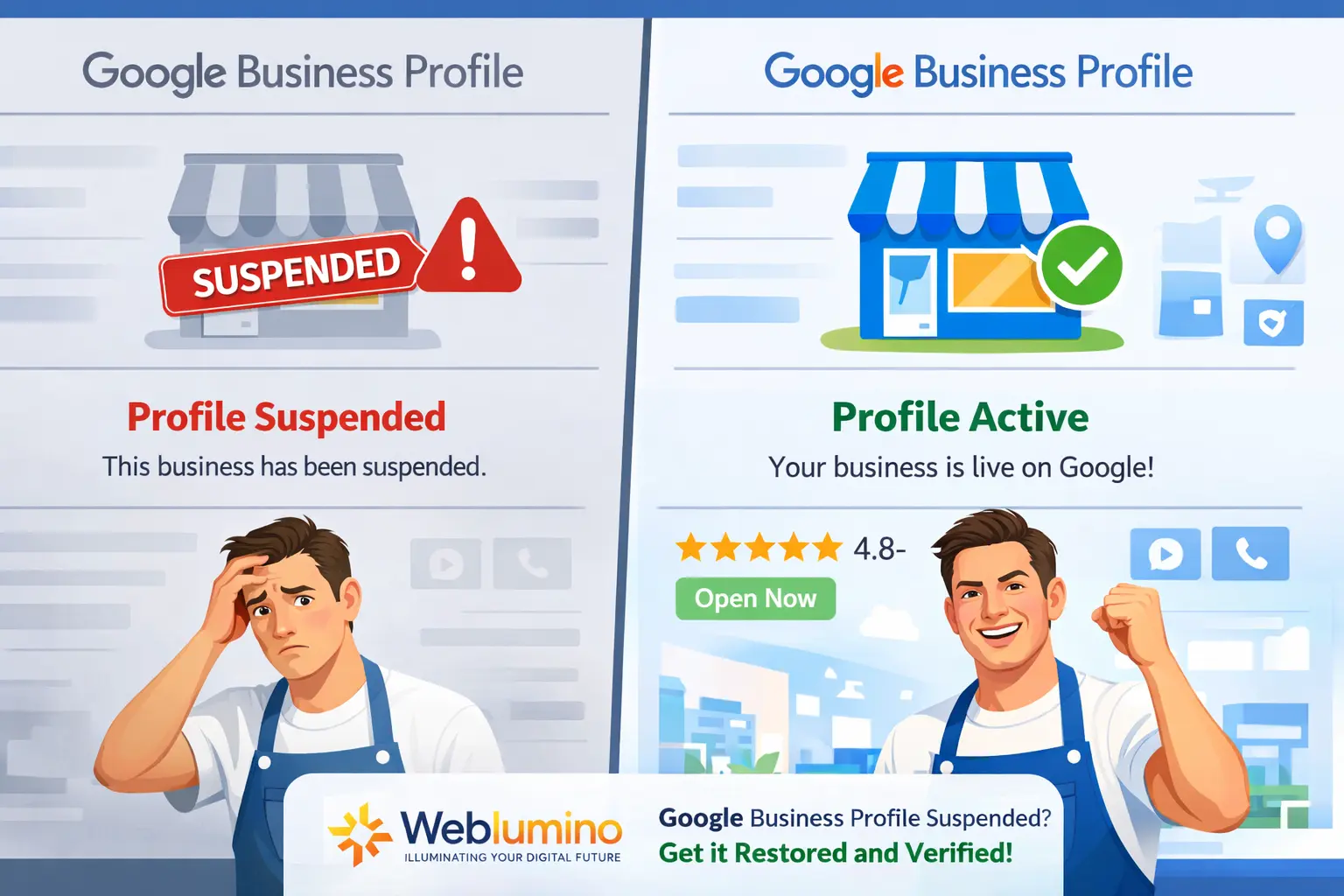
Many business owners wake up one day. log in to their Google account, and discover their listing has completely disappeared. No warning. No clear explanation. Just gone. If this has happened to you, you’re not alone. Google Business Profile suspensions affect thousands of businesses every year. When your local visibility depends on that profile, it can feel overwhelming.
At Weblumino LLP, we’ve helped many business owners through exactly this situation. In this complete guide, we’ll cover the 15 most common reasons behind a suspension. walk you through exactly how to fix it and get your profile restored.
What Is a Google Business Profile Suspension?
Sometimes, your Google Business Profile may not appear online or on Google Maps. There are many reasons behind a Google Business Profile suspension. Maintaining a Google Business Profile Suspension is crucial to this. First, we know how many types of suspension there are, which helps us understand them more easily.
Here are the two types:
- Hard suspension
A hard suspension refers to a complete removal from listings. If your Google Business Profile gets suspended, you will lose visibility and reviews. You will need to go through a full process to get it reinstated. It happened due to Severe guideline violations. Misinformation or fake business locations.
- Soft suspension
When a listing is visible but hard to manage, the status is unverified. This is called a soft suspension. Inability to edit a profile leaves it open to external changes. It happened due to Minor policy violations. Issues with the associated Google account.
Google Profile Has Been Suspended due to 15 Common Reasons
Inconsistent Business Name
Your company name needs to match what appears on your website, signage, and legal documents. One of the simplest ways to be flagged is to have incorrect Name, Address, and Phone (NAP) information.
Using a Virtual Office or PO Box Address
Google expects a real physical address that clients can visit or where business operations take place. PO Boxes, co-working spaces, and virtual offices frequently fail verification and result in suspension.
Profiles lacking authentic photos of the storefront, employees, car signage, and workplace appear less credible.
Upload crisp, location-specific photos that show actual activity and presence.
Ignoring Verification Requests or Long Inactivity
Now and then, Google might ask for more documents or mark accounts as inactive. The profile may be automatically suspended if you disregard Google’s verification emails or fail to reply to requests.
Breaching Google’s content policies
Untrue claims, unfitting language, and spammy content in descriptions and posts are breaches. Follow Google’s Business Profile content rules. Avoid exaggerated claims and keep descriptions true and trustworthy.
The mobile number and the website are not the same.
If the profile uses a mobile number from a different state or a clearly unrelated website (for example, your web developer’s domain), Google may suspend the listing. Use business-owned mobile numbers and domains that clearly match your brand.
Manipulated or False Reviews
Google finds trends in coordinated review activity, incentivized reviews, and fraudulent reviews. Avoid purchasing reviews or requesting that users post from the same device or location since doing so frequently results in suspension.
Suspicious or Shared Manager Accounts
It might be suspicious if one Google account is in charge of several unrelated profiles or accounts with a bad track record. Assign only managers who can be trusted and verified, and keep accurate ownership records.
Inconsistent Information and Frequent Edits
Changing your name, address, or category frequently gives the impression that you are unstable. Only make necessary adjustments, and be ready to offer supporting documentation for every update.
Displaying the address while listing as a service area business
Consider concealing your physical address if your business is in a service area (cleaners, tradespeople, electricians, plumbers, etc.). A common cause of suspension is displaying an address while claiming to travel to client locations. There are frequently acceptable ways to properly set up a service-area listing or change your profile so that Google will accept it. Get in touch with us, and we’ll walk you through the process of securely verifying or reinstating your profile.
Duplicate listing
If your business is registered twice in Google Maps with the same name and the same address, then Google gets confused and suspends both your profiles. That’s why you create only one, and if you registered twice, then delete it.
Putting the wrong Business category
Pick the category that truly describes your business. Choosing random categories to show up in more searches looks like cheating to Google.
Keyword Stuffing in Your Business Name
Your Google profile name must match your real business name, with no extra words stuffed in to game search results.
Using a Home Address for a Business
Working from home is fine, but if customers don’t physically come to your house, you must hide your address. Showing it publicly can trigger a review
Not Verifying Your Profile Properly
New profiles need to be verified with real documents (like ABN, business registration, and photos of your signage). Without this, Google may freeze or suspend your profile.
How To Know Your Google Profile Got Suspended
Google never gives you clear information or a message of suspension. You might see a notice in your Business Profile dashboard, or you may just realize one day that your listing has disappeared from search results.
If you are not able to find your account for editing, and it no longer appears online. And your customer also reports that they do not see you on maps. These are all signs that your Google Business Profile may have been suspended.
What to do after confirming the Google profile suspension?
When many people know his GMB profile is suspended. They get worried and think they have lost everything; they get panicked. But in this situation, we don’t need to worry because it has a high chance of being GMB profile-reversible. We only need to handle the situation carefully without panic and get the GMB profile back.
Here are some steps to follow to get a GMB profile back:
Steps: 1. Review Google guidelines
First, you know where you made the mistake, and you read Google’s profile suspension guidelines carefully. See any rule broken by you, like an extra keyword put in the name, a wrong address, etc.
Steps: 2. Fixing the mistake
If you have noticed any mistakes, then correct them. like checking your business name, address, phone, website, category, and hours—ensure everything is accurate and consistent everywhere.
Steps: 3. Gather Supporting Documents
We have to gather documents to prove to Google that our business is real. Documents like utility bills, business licenses, lease agreements, or signage photos can help.
Steps: 4. Submit the Reinstatement Form
When everything is fixed, fill out the reinstatement form. Fill out everything truthfully; avoid lengthy paragraphs and excuses because they create problems. Everything is factual, simple, and clear.
Which Mistakes Should We Avoid to Prevent Google Business Profile Suspension
If you don’t want to go through the hassle of reinstatement, then you always have to remember some steps to prevent your Google Business Profile from Suspension.
Here are the steps to follow:
- First, you have to understand which types of suspension your profile goes through. Hard suspension listing has completely vanished, and with soft suspension, you can see your listing, but can’t manage it. Then move on to the next steps.
- Maintain accurate information. Your information has not changed anywhere on social media or in documentation, and no extra keyword is in your document; if, somehow, your address, phone number, or timing will change, so update as soon as possible, as the information mention in google is everywhere the same.
- Get a true review and don’t buy fake reviews; it makes your profile suspicious, and if you get a genuine review, it helps to build trust and make your profile trustworthy.
- Steer clear of spam tactics. Google occasionally suspends your account if it believes you are engaging in questionable behavior or are spamming your customers. Don’t use keyword stuffing, make phony Google business listings, or do anything else that might be interpreted as manipulative.
- Make an Appeal to Google. Ensure your profile is accurate and up to date to be ready for reinstatement. Using Google’s support system, you can submit a reinstatement request with accurate and concise details about your company and the changes you’ve made.
Is Your Google Business Profile Suspended? We Can Help!
Dealing with a suspended profile is stressful. But you don’t have to figure it out alone. Weblumino LLP is here to help. We specialise in Google Business Profile management. We have helped many businesses recover their suspended listings and kept them compliant ever since.
Whether you need help with reinstatement or simply want to avoid future issues, our team has you covered.