

Introduction
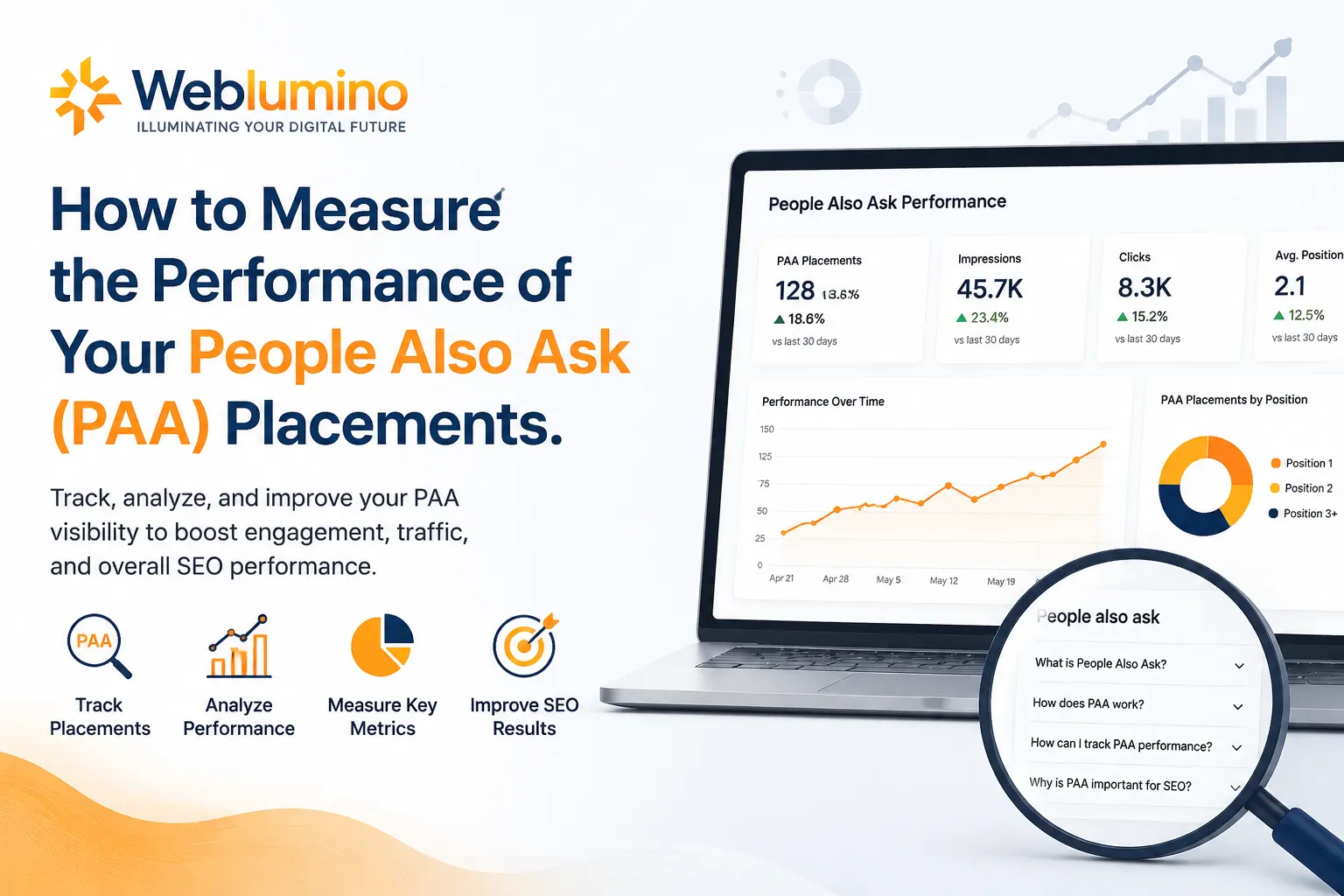
SEO teams chase keyword rankings and watch for Featured Snippets like hawks, then leave People Also Ask (PAA) placements sitting in a blind spot of their reporting dashboards. That’s a significant missed opportunity.
PAA boxes, which take up just under 80% of Google SERPs at a glance, are one of the most common (and prevalent) SERP features in search today. If your content is answering the right questions in the right format, you could be earning visibility across hundreds of queries, often without ranking number one for the parent keyword.
However, visibility by itself is worthless if you aren’t measuring it. This guide takes you through exactly how to monitor, analyse and improve your performance in People Also Ask so that your SEO strategy is based on data rather than guesswork.
What Are People Also Ask Placements (and Why Do They Matter)?
A Google search feature called People Also Ask (PAA) provides a box of related questions users frequently ask about a particular subject. When a user clicks on a question, Google expands it into an answer of one to three sentences (with a link) and serves up dozens more possible questions below that.
This has created an ever-compounding opportunity for SEO professionals. You can have an average click-through rate of ~3% by appearing in the PAA boxes, and the better news is you don’t have to rank #1 for your main keyword to be there. A page that’s sitting at position six or seven on a SERP can still earn significant visibility through a PAA placement for a related question.
Understanding PAA performance isn’t just about vanity metrics, it informs your content strategy, reveals gaps in your topic coverage, and helps you understand how Google interprets your authority on a subject.
Step 1: Identify Which Keywords Trigger PAA Boxes
Before you can measure performance, you need to know where PAA opportunities exist for your niche.
Run a question-based keyword audit if the keywords contain: how, what, why, when and which, they have a much higher chance of triggering PAA boxes than transactional or navigational queries. Semrush Keyword Magic Tool, Ahrefs, and Moz have features to filter SERP results by PAA boxes, so you can check whether your target keywords already rank for these.
Export this list and compare it with your organic rankings today (October 2023). Overlap, keywords where you rank one in the SERP, but not yet holding a PAA placement, are your lowest hanging fruit.
Step 2: Track PAA Rankings Using Dedicated Tools
Traditional blue-link results indicate that standard rank trackers are tracking Tools that track SERP feature ownership are needed to monitor PAA placements.
Here are the primary options:
Semrush Position Tracking: allows you to track SERP features, including PAA, for any set of keywords. Once set up, it shows whether your domain appears in the PAA box for each tracked query, letting you monitor gains and losses over time.
Ahrefs Rank Tracker: similarly flags SERP features alongside traditional rankings, giving you a combined view of your total search visibility.
SERPWatcher by Mangools: offers a Dominance Index that accounts for SERP features, which is useful for benchmarking PAA performance as part of your overall visibility score.
Nightwatch: is particularly useful for teams needing granular SERP feature tracking across large keyword sets, with clean reporting dashboards suited for client work.
Google Search Console: While it doesn’t explicitly label PAA traffic, it remains essential. Filter your Performance report by question-based queries and monitor impressions, clicks, and average position. This gives you a reliable proxy for PAA-driven engagement.
The key is consistency. Choose two or three tools and track the same keyword set weekly. Sporadic measurement makes it impossible to identify trends.
Step 3: Define the Right PAA Performance Metrics
Tracking PAA placements without clear KPIs is like running a campaign without goals. Here are the metrics that actually matter:
PAA Ownership Rate: Of the terms that trigger PAA boxes you’ve targeted, how much of it is owned by your content? This is your headline metric. Work it out every month and establish realistic growth goals.
Impressions from Question Queries: Filter impressions in Google Search Console by queries that begin with how, what, why, etc. Increasing the impression of these queries means PAA visibility is increasing, even if clicks are not yet.
Click-Through Rate (CTR) on PAA-Adjacent Queries: When your content appears in a PAA box, customers can see your brand name and an excerpt of your answer before they click. More clicks mean that your answer is engaging and that people are spotting your brand in the SERP.
Organic Traffic from Long-Tail Question Queries: Filter Google Analytics or GA4 data by landing page and compare with Search Console for pages that receive ongoing visits for question-based queries. These are your PAA-performing pages.
SERP Feature Volatility: PAA placements are not permanent. Google frequently reshuffles them as new content is published or user behaviour shifts. Track how often your placements drop and correlate those drops with algorithm updates or competitor content changes.
Step 4: Audit the Content Holding Your PAA Placements
Once you know which pages are earning PAA placements, audit them to understand why they’re winning and to protect those wins.
Check the following for each PAA-holding page:
The response to the PAA question must be within the first 100 words of it and answered as a question (direct). Google prefers clear, full answers that would make sense out of context. If your answer lives buried inside a 400-word paragraph, someone else with a crisp reply will soon outrank you.
At any level on the page, you should be able to see this question. It must appear as a heading (H2 or H3). This tells Google that your content is specifically an answer to this question, further confirming you should be considered for the PAA box.
Check for structured data. Why Implement FAQ schema markup?Q&As are introduced at the top of Google’s search results, and so embedding a schema markup into your Q&A content allows Google to understand it more quickly. Properly implemented FAQ schema signs also lead to better PAA performance in competitive niches.
Step 5: Monitor Competitor PAA Performance
Your PAA strategy isn’t in isolation. Competitors are actively targeting the same questions, and analysing your PAA ownership informs you of where you’re losing visibility, which you should win.
Check which PAA boxes your competitors currently own with Semrush’s Domain Overview or Ahrefs’ Organic Keywords report filtered by SERP features. Keep an ear out for which exact questions they are providing answers to, those are your content gaps.
Build a simple competitor PAA tracker in a spreadsheet: list the target question, the current PAA owner, your current ranking for that query, and the date. Update it monthly. This gives you a clear picture of competitive movement and helps you prioritise which content to update or create next.
Step 6: Build PAA Reporting Into Your Regular SEO Reviews
PAA performance should be a line item in every monthly SEO report, not an afterthought. Structure your PAA reporting section to include:
- Total PAA placements owned (current month vs. previous month)
- New placements gained
- Placements lost and suspected cause
- Top-performing pages by PAA-driven impressions
- Competitor PAA changes for priority keywords
With white-label dashboards in things like Agency Analytics or DashThis and the ability to pull SERP feature data alongside regular rankings, PAA becomes a visible metric for agency teams juggling multiple clients with client-facing reports that have replaced back-end local observations.
When clients see an increase in PAA ownership, you can clearly demonstrate the value of question-centred content, and that means that getting sign-off on future investments is more straightforward.
Step 7: Use PAA Data to Strengthen Your Broader Content Strategy
The data you collect from PAA tracking isn’t just useful for PAA, it feeds your entire content operation.
Queries that always show up in PAA boxes for your main keywords clearly reveal the info gaps you can capitalise on. They are blog post topics, pieces to add to an FAQ, video scripts, and snippets of content for social media just waiting to be made. And when you answer questions like these better than anyone else, you don’t just clinch the PAA placement, you build topical authority that raises all of your ranks.
Treat PAA tracking as a feedback loop: measure what you own, identify what you’re missing, create targeted content, and then measure again.
FAQ: People Also Ask SEO — Tips, Trends, and Common Questions
Semrush Position Tracking, Ahrefs Rank Tracker, and Nightwatch are the most reliable tools for monitoring PAA ownership across tracked keywords. Google Search Console is essential as a complementary data source for impressions and CTR on question-based queries.
Not directly. PAA placements and traditional rankings are separate signals. However, earning PAA visibility often correlates with strong topical authority, which does positively influence rankings over time. The relationship is indirect but meaningful.
PAA boxes are highly dynamic. Google can reshuffle them with algorithm updates, new content being published, or shifts in user behaviour. Monitoring weekly rather than monthly gives you faster visibility into losses so you can respond quickly.
Yes. This is one of the most underappreciated aspects of PAA SEO. A page ranking on position five, six, or even beyond the first page can still hold a PAA placement for a related question. This makes PAA optimisation particularly valuable for newer domains building their authority.
Direct question-and-answer format works best. Use the target question as a heading (H2 or H3), follow it immediately with a concise answer of 40 to 60 words, and then expand with supporting detail. FAQ sections with schema markup are among the highest-performing content formats for PAA placements.
Not strictly necessary, but strongly recommended. The FAQ schema helps Google parse your Q&A content more efficiently and has been shown to improve PAA eligibility, particularly in competitive niches where multiple pages are competing for the same question.
Featured Snippets appear at position zero, above all organic results, and typically answer the main search query. PAA boxes display a set of related questions and can appear anywhere on the SERP, often multiple times. A single page can earn both a Featured Snippet and a PAA placement for different queries.
Research consistently points to 40 to 60 words as the sweet spot for PAA answers. Answers should be self-contained, clear, and factually accurate. Avoid jargon, and write as if you’re directly answering a question asked by a person, not a search engine.
Use tools like Answer the Public, AlsoAsked, or Semrush’s Keyword Magic Tool filtered by question type. These surface the questions your audience is actively asking, many of which will trigger PAA boxes that your content can compete for.
Google’s focus is on helpful, accurate, and well-structured content, regardless of how it’s produced. However, thin or generic AI content that doesn’t directly answer questions clearly will underperform in PAA. Human editorial quality, strong structure, and genuine expertise remain the winning formula.
Weblumino LLP helps businesses build data-driven SEO strategies that go beyond keyword rankings. From SERP feature tracking to full-funnel content performance, we turn search data into measurable growth.